Creating Your Account
To create and run vote pages you need a free Izivote account. Voters usually do not need an account (that depends on the voting type you choose later).
Sign up
- Go to izivote.com/signup . You will land on the “Welcome to Izivote” screen.
- You have two options:
- Sign up with Google - click the Google button at the top and choose your Google account. This is the fastest option and no password is needed.
- Sign up with email - fill in the short form:
- Name - your name or your organization’s name.
- Email - your email address. If an account already exists for that email, Izivote will let you know.
- Password - at least 6 characters. Use the eye icon to show or hide what you typed.
- Click Create Account.
- You are signed in immediately and taken to your Dashboard.
A public username is generated for you automatically. You can change it later on your Profile.
Logging in
If you already have an account, go to izivote.com/login and either:
- Click Continue with Google, or
- Enter your username or email and password, then click Log In.
Forgot your password?
- On the login screen, click Forgot password?.
- Enter your username or email and click Reset Password.
- Check your inbox for a recovery email, open the link, and set a new password.
You can also request a reset link from inside your account on the Change Password tab of your Profile.
Your dashboard
Once you are signed in you land on your Dashboard, your command center for everything you run on Izivote.
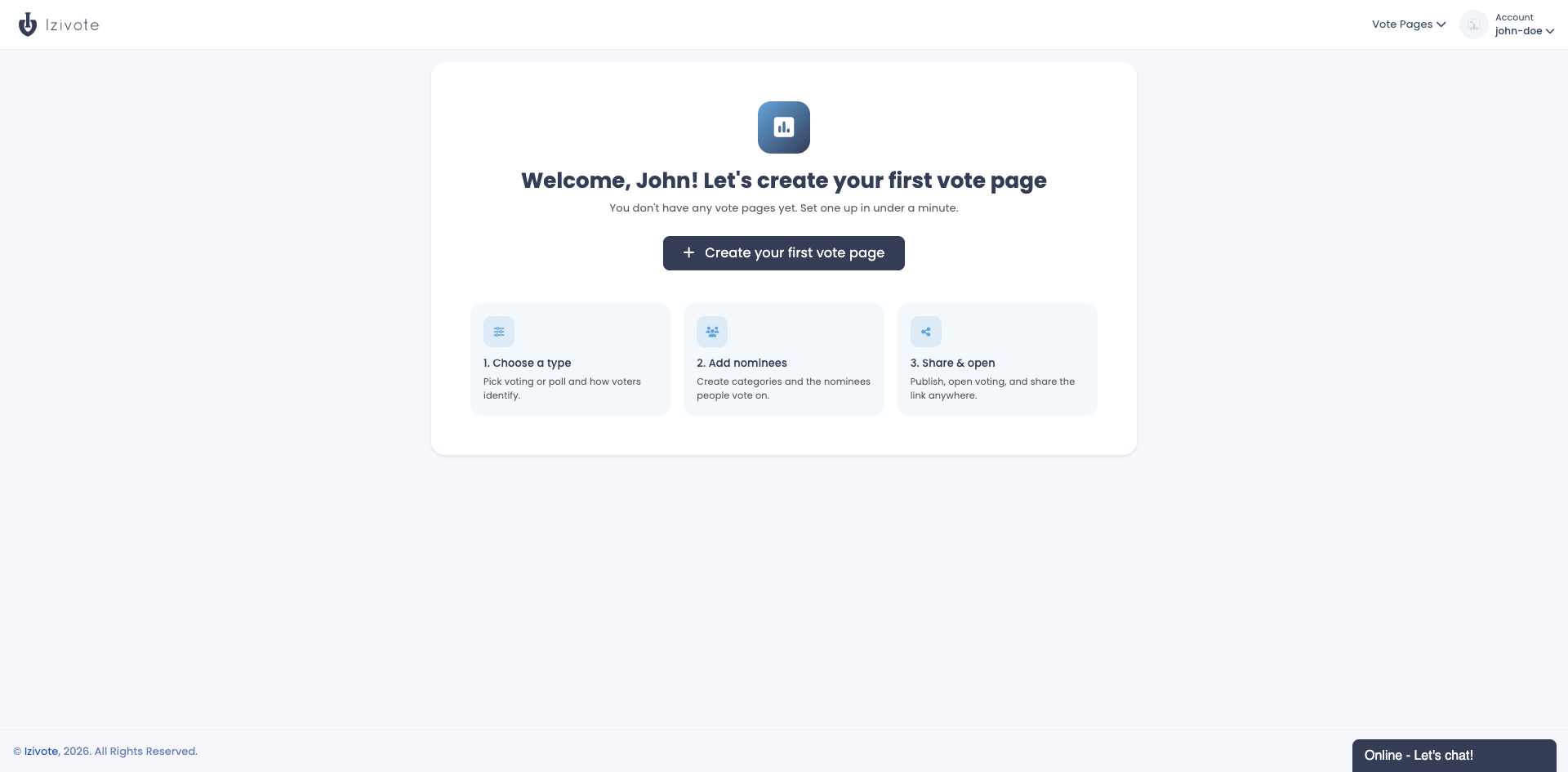
- The first time you sign in, you will see a “Let’s create your first vote page” welcome with a Create your first vote page button.
- After you have created pages, the Dashboard shows an overview (total vote pages, active pages, total votes, your current plan), a votes chart, your Recent Vote Pages, and Quick Actions for creating pages, managing pages, and account settings.
Next: Create your first vote page.
Last updated on